Vibe-Coded Your Own Website? Here’s When to
Bring In an Agency
Vibe Coding Can Build a Website. Can It Finish One?
You describe what you want. AI writes the code. A few prompts later, you have a homepage, navigation, contact form, and maybe even a surprisingly polished design. That is the appeal of vibe coding.
Vibe coding is the process of creating software by describing the desired result to an AI coding tool, then using additional prompts to generate, revise, and troubleshoot the code. It makes website development more accessible to people who may not have formal programming experience.
For business owners, marketers, and curious DIYers, that accessibility is genuinely useful. AI can help you explore an idea, create a prototype, test a campaign concept, or build the first version of a relatively simple website.
The challenge usually appears near the finish line.
The website looks finished, but the form occasionally fails. It works on your laptop but not every phone. Search engines are not indexing important pages. The code has become difficult to change without breaking something else. You keep prompting the AI, but each fix seems to create another problem.
This means the website has reached the point where professional oversight becomes valuable.
A business website is more than what appears on the screen.
A launch-ready site also needs dependable hosting, secure forms, analytics, accessibility, mobile responsiveness, search visibility, browser compatibility, backups, integrations, and a structure that can be maintained after launch.
These details are easier to overlook because many of them remain invisible until something goes wrong.
Even experienced developers approach AI-generated code carefully. In Stack Overflow’s 2025 survey, 46% of respondents said they distrusted the accuracy of AI tools, compared with 33% who trusted them. Seventy-six percent did not plan to use AI for deployment and monitoring, two areas where mistakes can directly affect a live website.
Seven Signs It Is Time to Bring In an Agency
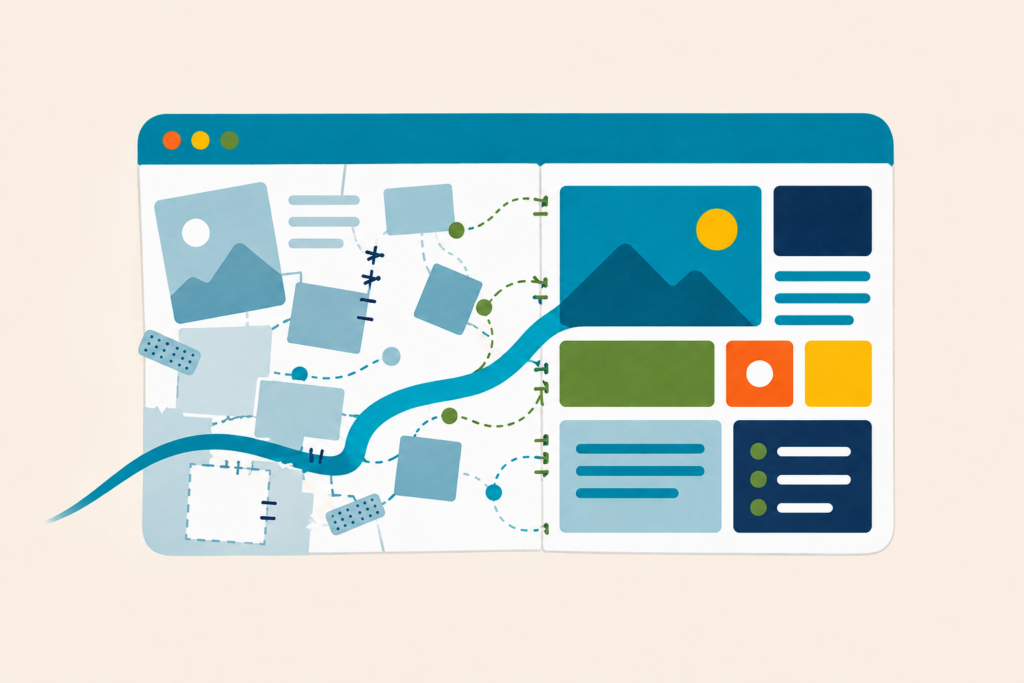
1. You Are Stuck in a Prompt-and-Repair Loop
You ask the AI to fix one issue, but the change affects another part of the website. You restore an earlier version, try a different prompt, and end up with a new error.
This loop often means the underlying code needs to be reviewed as a system. An agency can identify the root cause, simplify unstable code, and establish a structure that makes future changes safer.
2. The Website Will Handle Important Customer Information
Professional support becomes much more important when your website collects personal information, processes payments, manages user accounts, accepts bookings, or connects to customer databases.
A form that “seems to work” is not enough when customer data or business revenue is involved. The site needs appropriate validation, access controls, privacy practices, integration testing, and protection against common vulnerabilities.
An agency can evaluate the website as a marketing system, not merely a collection of functioning pages.
3. The Site Looks Good but Is Not Producing Results
AI can build an attractive page without understanding your full customer journey.
If visitors are not calling, purchasing, booking, or submitting forms, the problem may involve positioning, page hierarchy, calls to action, content, analytics, or technical friction. An agency can evaluate the website as a marketing system, not merely a collection of functioning pages.
4. Search Visibility Matters to the Business
A site can be live without being easy for search engines or AI-assisted discovery tools to understand.
Important considerations include crawlability, page titles, content structure, internal linking, structured data, page speed, indexation, and useful original content. Google’s current guidance says established SEO practices remain foundational for visibility in its generative AI search experiences.
If organic visibility is part of your growth plan, technical and content decisions should be reviewed before the site becomes difficult to restructure.
5. You Have Not Tested Accessibility
Accessibility is one of the easiest areas to miss when building by sight alone. Keyboard navigation, form labels, heading order, alternative text, focus states, and color contrast all influence whether people with disabilities can use the site.
The 2025 WebAIM Million analysis found an average of 51 detectable accessibility errors per homepage. Low-contrast text appeared on 79.1% of the pages tested, while 55.5% had missing image alternative text.
Automated tools can identify some problems, but professional review is often needed to understand how the complete experience works for real users.
6. The Website Needs Custom Integrations
Calendars, CRMs, email platforms, inventory systems, payment providers, membership tools, and analytics platforms all introduce dependencies.
An AI tool may generate the connection code, but someone still needs to confirm that authentication is secure, data moves correctly, failures are handled, and the integration will remain maintainable when an external service changes.
7. The Website Has Become Business-Critical
The clearest signal is simple: if the website going down, leaking information, losing leads, or damaging customer trust would meaningfully hurt the business, it deserves professional ownership.
A hobby project can tolerate experimentation. A revenue-producing website needs monitoring, backups, documentation, and a clear person or team responsible for keeping it healthy.
A Quick Decision Framework
Use these four questions to decide whether to keep building or ask for help:
- Risk: Could a technical failure expose data, interrupt payments, or create a legal or accessibility concern?
- Revenue: Does the website directly influence sales, leads, bookings, or customer retention?
- Reach: Do you need dependable visibility across search engines, AI search experiences, devices, and browsers
- Responsibility: Is someone qualified and available to maintain, monitor, and troubleshoot the site after launch?
If the answer is yes to two or more, an agency review is probably a worthwhile next step.
Before contacting an agency, gather:
- The current website or prototype
- Access to the code and hosting platform
- A list of features that work
- A list of known bugs or unfinished features
- Any AI prompts or tools used to build it
- Required integrations
- Your desired launch date
- The business result the website needs to produce
This context helps an agency determine whether the best next step is debugging, stabilization, phased improvements, or a more substantial rebuild.
IMAGINE Agency can review what you have built, identify what is worth keeping, and create a practical path from promising prototype to polished, reliable website.